Anúncios
You can make a stronger impression on camera than in a crowded conference room by controlling what the interviewer sees and hears. Appear confident and prepared by using steady eye contact, clear audio, and a tidy background so your skills take center stage rather than technical glitches or distractions.

You’ll learn practical steps to refine your on-camera presence, optimize lighting and sound, rehearse concise answers, and present work samples smoothly. Small adjustments to setup and preparation let you demonstrate competence and professionalism even through a screen.
Mastering Your On-Camera Presence

Control your frame, voice, and gestures so you look calm, competent, and attentive. Small adjustments to lighting, posture, and phrasing change how interviewers read your competence.
Building Confidence on Video
Prepare a short opening script of 30–45 seconds that states who you are, what you do, and one achievement tied to the role. Practice it until it feels natural; record three takes and keep the best one as your baseline. Rehearse answers to common questions using the STAR method for two examples each: one technical, one behavioral.
Use a quick pre-call checklist: camera at eye level, neutral background, lights in front, headphones ready, notifications off. Do a 60-second breathing and posture reset before the call. Smile briefly at the start; it raises perceived warmth and steadiness.
Body Language and Eye Contact
Place your camera slightly above eye level to avoid a low-angle view and to create a neutral, engaged impression. Sit at arm’s length from the screen so your upper torso and hands are visible; this frames gestures without distraction. Keep shoulders relaxed and lean forward slightly when listening to show engagement.
Make “camera eye contact” by looking at the camera lens when answering, and glance at the screen only when reading notes. Use small, deliberate hand gestures below chest level to emphasize points. Avoid fidgeting, tapping, or turning away—those movements register as distraction on video.
Speaking Clearly and Effectively
Start answers with a one-sentence thesis: the main point you want the interviewer to remember. Then provide one concrete example and a brief takeaway. Keep sentences short and use active verbs; this improves clarity when audio or bandwidth falters.
Control your speaking rate: aim for 140–160 words per minute. Pause 1–2 seconds after key points to let them land and to give others a chance to interject. Use a headset or directional microphone to reduce room echo and to make consonants and low frequencies clearer.
Optimizing Your Remote Interview Setup
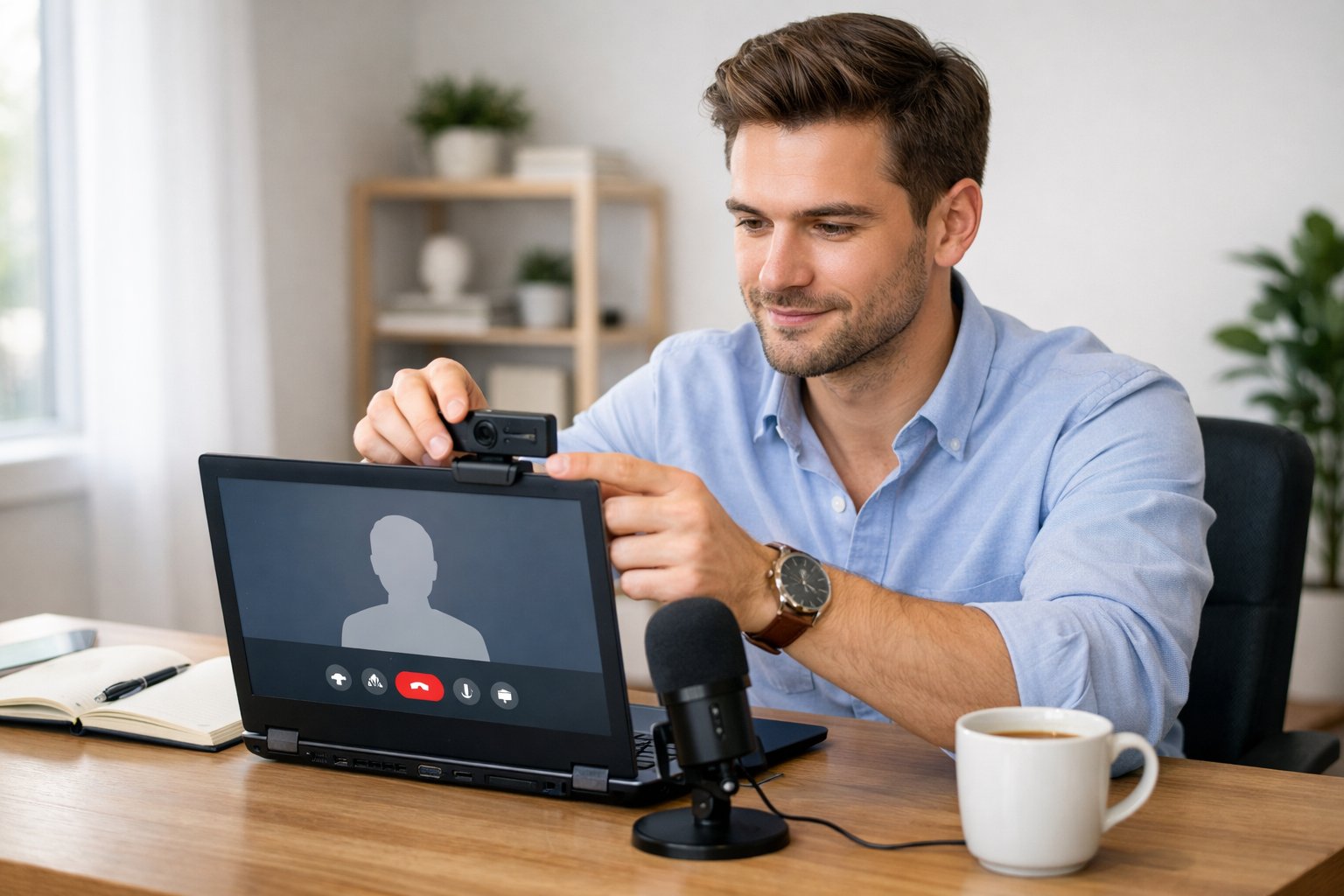
Create a distraction-free visual and audio environment, position your camera at eye level, and test lighting and sound before the call. Make quick, targeted adjustments so your presence looks intentional and professional.
Choosing the Right Background
Keep your background clean, uncluttered, and relevant to the role you want. Remove personal items like unmade beds, laundry, or busy posters. A plain wall, a neat bookshelf, or a simple plant works well.
Use depth to separate yourself from the background by sitting 3–6 feet away from the wall. This reduces harsh shadows and prevents the camera from focusing on background details instead of your face.
If you must use a virtual background, pick a high-resolution image of a calm office or blurred neutral scene. Test it on your platform to ensure it doesn’t glitch around hair or hand movement. Prefer physical backgrounds when possible.
Lighting for Professional Appearance
Position a key light (soft, diffuse) directly in front of you, slightly above eye level, to eliminate shadows. A ring light or softbox set to 2700–4500K provides natural skin tones.
Avoid strong backlighting from windows that create silhouettes. If you sit with a window behind you, add a front light or change your orientation so the window is off to one side.
Use a secondary fill light or reflector on the opposite side to soften contrast. Check your camera preview and adjust brightness so your face is evenly lit without washing out facial features.
Camera and Audio Quality Essentials
Choose an external USB webcam (1080p at 30fps minimum) and position it at eye level. Use a small stack of books or an adjustable stand to center the lens with your eyes.
Wear solid, medium-contrast clothing that won’t cause moiré on camera. Sit close enough that your head and upper shoulders fill about one-third of the frame.
For audio, use a USB condenser microphone or a headset with a boom mic for clear, consistent sound. Test for room echo; add soft furnishings or a portable acoustic panel if your space sounds hollow.
Run a full tech check: record 30 seconds of audio and video, then play it back. Confirm platform settings match your selected mic and camera, and close background apps that could steal bandwidth.
Preparation Strategies for Remote Interviews
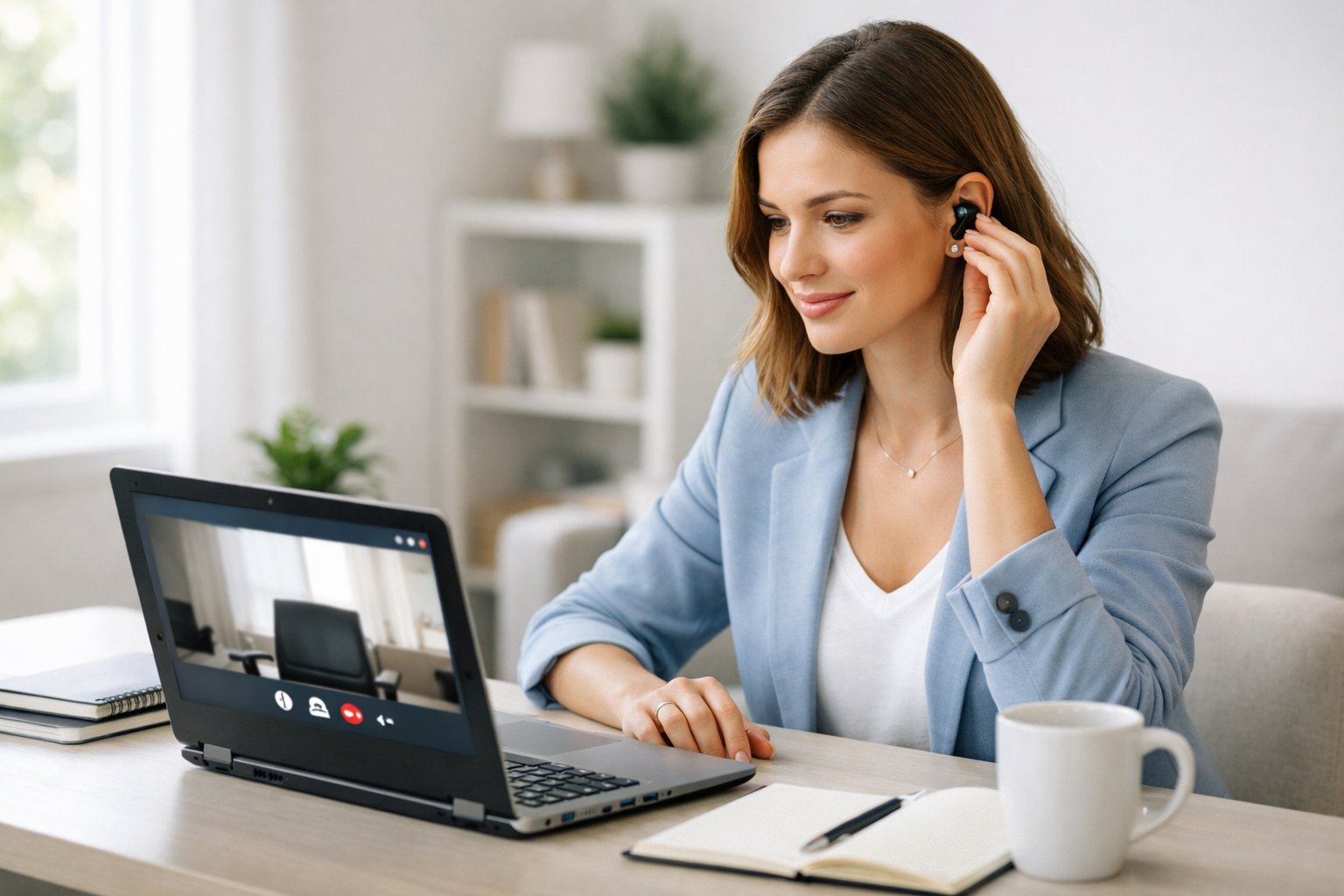
Focus on gathering precise company facts, mapping your experience to the role, and rehearsing concrete stories that demonstrate impact. Prioritize details you can cite during the interview: names, numbers, tools, recent initiatives, and clear outcomes from your work.
Researching the Company and Role
Identify the company’s product lines, revenue trends, and recent news. Check the company site, investor/press releases, and LinkedIn posts from the hiring manager or CEO. Note one or two recent initiatives (e.g., a product launch, acquisition, or sustainability goal) and prepare to connect your skills to those initiatives.
Map the job posting to your resume line-by-line. Extract required skills, tools, and responsibilities; prepare concrete examples for each. For tool mismatches, plan a brief learning path (courses, projects) and mention that during the interview.
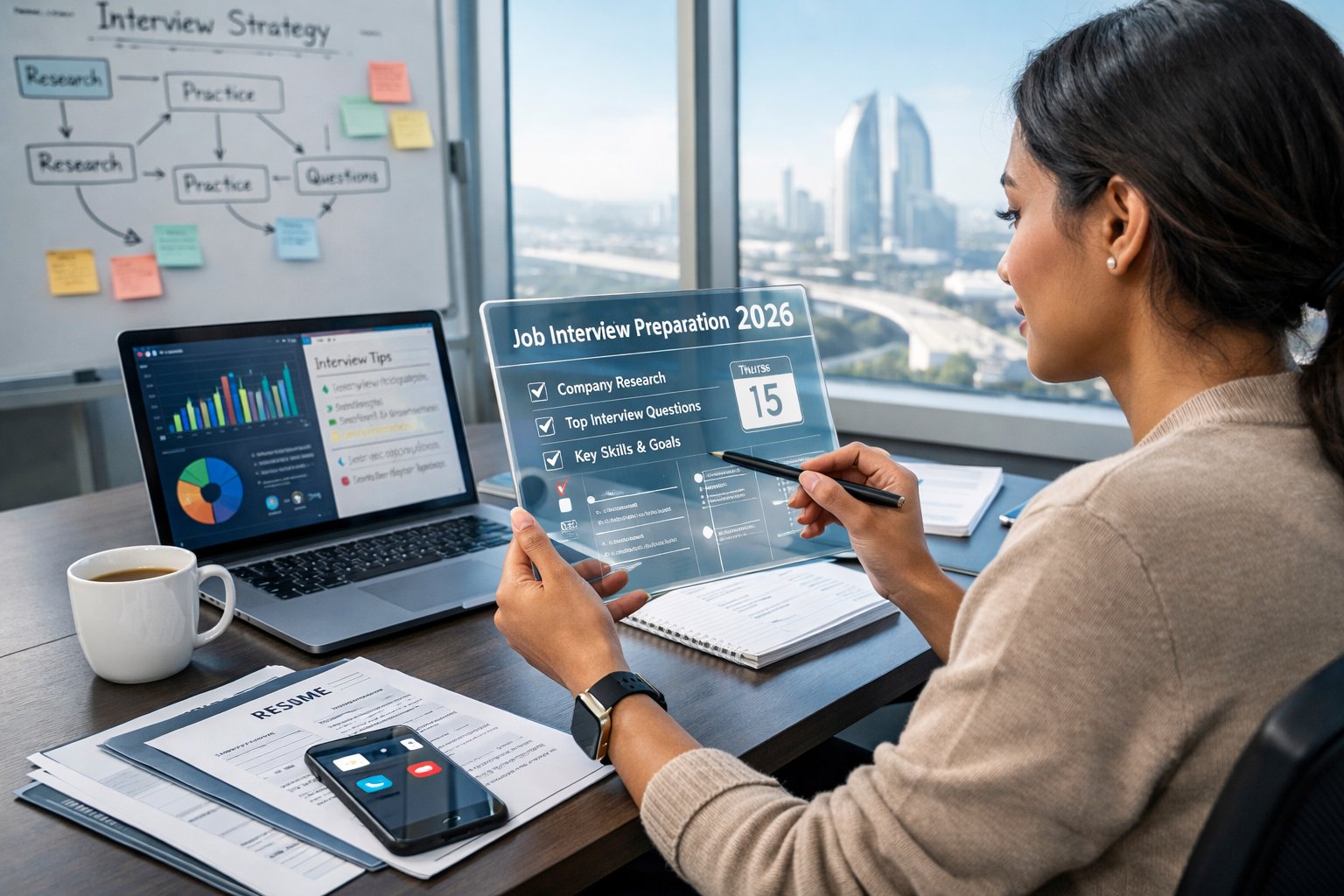
Create a one-page “cheat sheet” with: company mission, three priorities for the role, names/titles of interviewers, and two questions to ask. Keep it on-screen or printed where you can glance at it without breaking eye contact.
Anticipating Common Interview Questions
List likely questions: “Tell me about yourself,” role-fit prompts, and technical or case-style tasks. For each, write a 2–3 sentence core answer and a 1–2 sentence example that proves it. Keep answers specific: mention metrics, timelines, team sizes, and tools.
Prepare answers for competency areas like problem solving, collaboration, and adaptability. Use bullet-format outlines to capture Situation, Action, Result, and any quantifiable impact (e.g., reduced cycle time by 30%, managed a team of six).
Draft three clarifying questions to ask after each answer when appropriate (e.g., “Would you like more detail on the technical approach or on stakeholder management?”). This shows you control the interview flow and adapts responses to interviewer needs.
Practicing for Behavioral Interviews
Select 6–8 STAR stories covering leadership, conflict resolution, failure, influence, and prioritization. For each story, note the exact role, the challenge, your specific actions, and a measurable result. Rehearse until you can deliver each story in 60–90 seconds.
Record practice sessions on video to check framing, pace, and filler words. Watch for nonverbal cues: keep shoulders relaxed, maintain steady eye line, and use occasional hand gestures inside the camera frame. Adjust lighting and camera height based on playback.
Practice with mock interviews from peers or mentors using the same video platform as the interview. Ask for feedback on clarity, technical depth, and story relevance. Iterate until responses are concise, factual, and linked directly to the job’s needs.
Showcasing Skills and Experience Virtually
Prepare concrete examples and quick demonstrations that prove your technical abilities and remote teamwork. Use visual artifacts and concise stories that let the interviewer verify your claims without long explanations.
Demonstrating Technical Proficiency
List the specific tools, languages, and platforms you use, and link each to a short, real example. For instance:
- Languages: Python — mention a script you wrote that reduced data-cleaning time by 40% and the repository name or commit ID.
- Tools: Docker — describe the container you built, its image size, and how you used it in CI/CD.
- Platforms: AWS — state the service (Lambda, S3, RDS) and a concrete metric (cost saved, latency reduction).
Prepare a 60–90 second screen-share demo of one artifact: a cleaned dataset, a microservice running locally, or a dashboard filtering live data. Keep files small and steps scripted so you can start the demo within 30 seconds. Have a public link (GitHub, CodeSandbox, Loom) ready and mention the exact file path or command to run.
If asked about debugging, narrate a specific incident: the bug, the logs you checked, the fix you applied, and the outcome (e.g., “reduced error rate from 5% to 0.2% over one week”). Quantify impact where possible.
Highlighting Remote Collaboration Skills
Describe how you coordinate work across time zones and asynchronous channels. Cite the communication system (Slack channels, Confluence pages), the cadence (daily standups, biweekly demos), and one measurable result—faster feature delivery, fewer handoff errors, or improved retrospectives.
Show artifacts that prove collaboration: a pull request with clear reviewer comments, a documented onboarding checklist you created, or a sprint board that highlights your role in cross-functional tasks. Explain your role in one project: what you owned, the stakeholders you engaged, and the final deliverable.
Demonstrate your remote meeting habits: you arrive 5 minutes early, share an agenda in advance, and assign follow-up tasks in the meeting notes. Mention tools you use for inclusivity: shared recordings, captioning, and written summaries to support teammates in different time zones.
Handling Technical Challenges Professionally
Prepare specific fallback steps and a calm communication plan so you can resolve problems quickly and keep the interviewer informed.
Troubleshooting Connectivity Issues
Check network health before the call: run a speed test, confirm wired or strong Wi‑Fi signal, and close bandwidth‑heavy apps like cloud backups or streaming. If possible, keep an Ethernet cable and USB‑to‑Ethernet adapter nearby; plugging in reduces packet loss and jitter more reliably than Wi‑Fi.
If the connection degrades during the interview, tell the interviewer immediately via chat or phone: state the issue succinctly (e.g., “My video is lagging; I’m switching to Ethernet now.”). Pause any nonessential video or screen share to preserve bandwidth. Reconnect quickly and rejoin using the same meeting link or the dial‑in number you pre‑saved.
Have an explicit fallback plan listed in your notes: alternative device, mobile hotspot APN, and a phone number for audio continuation. Test these alternatives once so you can activate them without fumbling. Document the steps in a short checklist and keep it visible during interviews.
Responding Calmly to Unexpected Events
If audio cuts out or background noise interrupts, mute and unmute deliberately; indicate your actions in chat. Say one clear sentence explaining the disruption and your immediate fix (for example, “I will move to a quieter room and call back in two minutes.”). Short, factual updates reduce frustration for everyone.
For device crashes or app failures, switch devices smoothly: have the meeting URL, dial‑in, and host contact in one place. If you must reconnect on a phone, use the phone for audio while rejoining video on a laptop. Apologize briefly once connected, then resume at the point you left off or ask the interviewer to guide you back to the topic.
Keep recovery behavior professional: avoid blaming external services, refrain from long technical explanations, and focus on solutions. Demonstrating composure and a practiced contingency plan signals reliability and respect for the interviewer’s time.
- Quick checklist to display:
- Speed test & Ethernet ready
- Meeting link, phone number, host contact
- Alternative device & hotspot details
- Short recovery scripts (30–40 characters)